CTR.bot vs CTRTool: CTR Campaigns for Automated Search Traffic
You are comparing CTR.bot and CTRTool because you need automated search traffic without wasting credits. Both promise clicks from real searches, but they differ on campaign coverage, screenshot proof and how you pay. Choosing wrong costs money and skews your keyword data.
By the end, you will know how each platform handles Desktop and Mobile campaigns across Google, Bing, Maps and AI Overviews. You will see how visit transparency and keyword position tracking compare, what the pricing models actually charge for, and which tool fits your workflow. The verdict is specific, not a shrug.
Quick Verdict: CTR.bot vs CTRTool for Automated Search Traffic
CTRTool is a screenshot-verified CTR campaign platform for Google Search, Bing Search, Maps and AI Overviews, while CTR.bot is a separate automated traffic tool whose exact features and pricing should be verified on its own site.
For SEO practitioners and agencies who need auditable proof of every visit, CTRTool is the stronger choice. Each visit produces search and landing screenshots as separate proof images, and keyword positions are tracked over time, including Maps listing order and AI citation order.
CTR.bot is generally positioned as an automated traffic tool. Its automation claims are best treated as unverified until you review its documentation directly, since public details about how it validates visits are limited.
The key differentiator is simple: CTRTool's screenshot proof and full visit paths versus CTR.bot's unverified automation claims. For ranking work where evidence matters, that gap decides the comparison.
At a glance: how CTRTool compares to CTR.bot on the features that matter most.
| Feature | CTRTool | CTR.bot |
|---|---|---|
| Pricing | $59-$699/mo | — |
| Free plan / trial | ✗ | — |
| Supported platforms | Google, Bing, Maps, AI | — |
| Screenshot proof per visit | ✓ | — |
| Keyword position tracking | ✓ | — |
| Location targeting | Country/state/city | — |
| Integrations / API | — | — |
| Support channels | — |
What Is CTRTool?
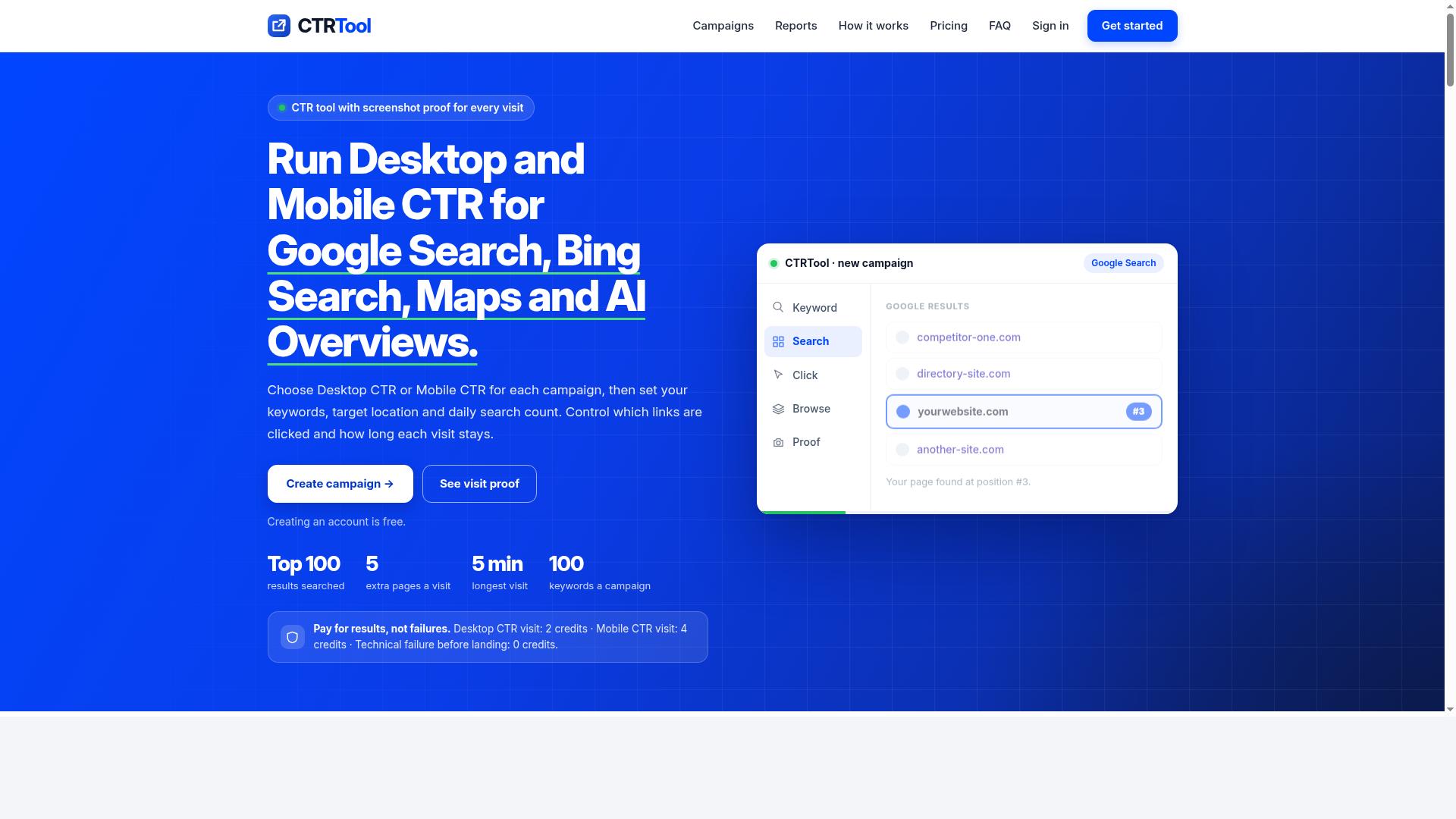
CTRTool is a SaaS CTR campaign tool that runs Desktop and Mobile campaigns for Google Search, Bing Search, Maps and AI Overviews, with screenshot proof for every visit. It is built for marketers who want an organized way to manage CTR campaign activity across multiple surfaces from a single online service.
Users choose Desktop CTR or Mobile CTR per campaign, then set the key parameters that define each run: keywords, target location and daily search count. They also control which links are clicked and how long each visit stays, which shapes dwell time and the overall engagement pattern of the session.
Each campaign type carries its own eligibility rules:
- Search campaigns require the page to appear within the top 100 organic results for the chosen keyword and location.
- Maps campaigns check up to 50 listings, roughly five pages of results.
- AI Overview campaigns need a matching citation before a visit can proceed.
The platform operates as a global online service with country, state and city targeting, so campaigns can be pointed at specific geographic markets rather than broad regions. Because every visit is documented with a screenshot, users can review what actually happened during a campaign instead of relying on assumptions.
CTRTool is transparent about limits as well. The site states plainly that automated visits do not guarantee rankings, which sets realistic expectations for anyone comparing it against other traffic tools.
What Is CTR.bot?
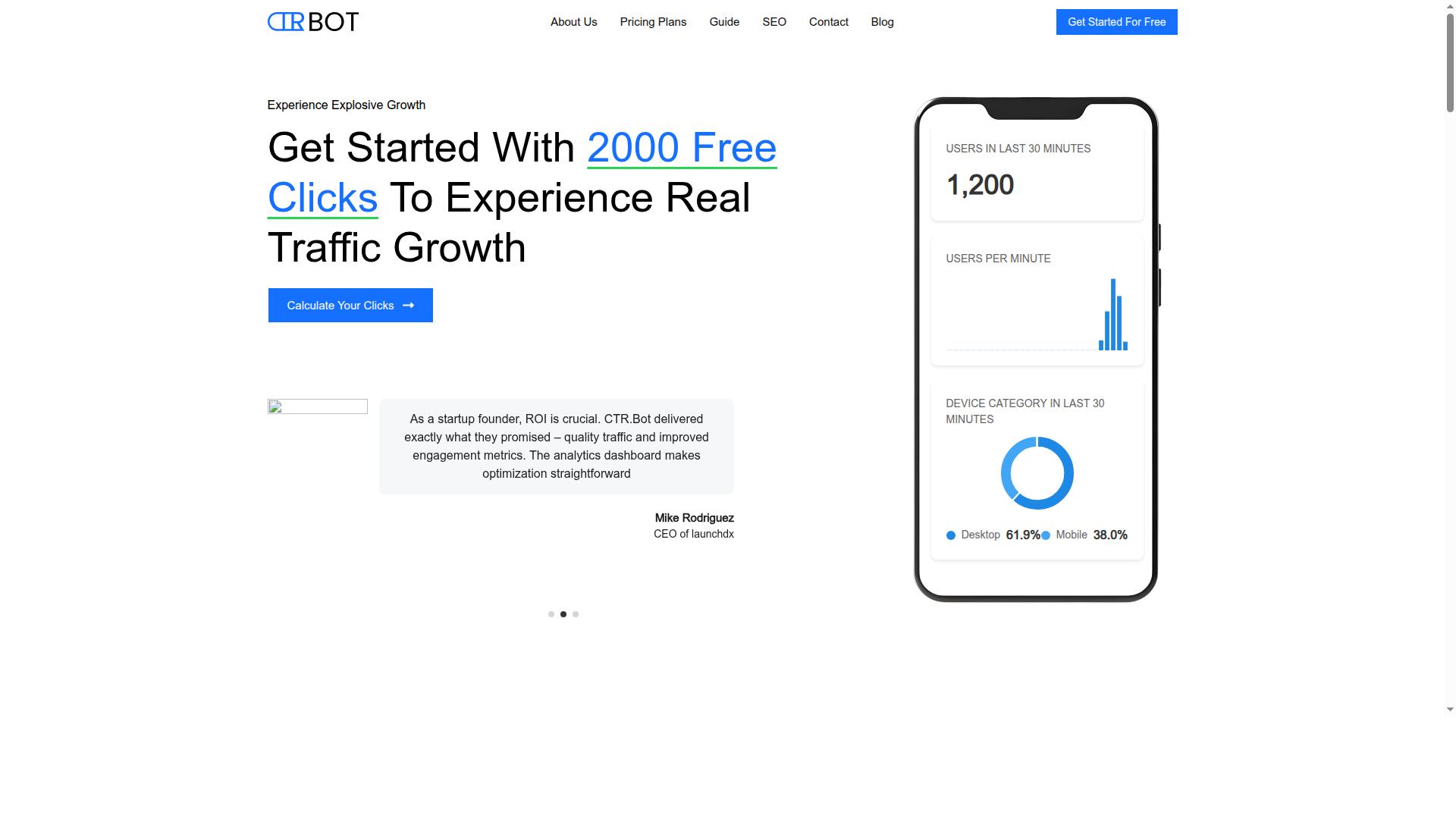
CTR.bot is a separate automated traffic tool that should be evaluated on its own published documentation rather than on assumptions about its capabilities. In broad terms, it belongs to the same category as other traffic and click automation platforms, which aim to generate automated search traffic by simulating user behavior in the Google SERP or Bing SERP.
That general description is where certainty ends. The exact campaign types it supports, how it demonstrates or reports results, and its pricing structure are details that must be verified directly on its own site. Public summaries and third-party write-ups often lag behind what a vendor actually offers.
Readers comparing options should also confirm practical specifics before committing, including:
- Which search engines and query types are supported
- How proxy rotation and IP diversity are handled
- Whether geo-targeting and device emulation are available
- What reporting or proof of delivery is provided
Treat any claim about CTR.bot that you cannot trace to its own pages as unconfirmed. For this comparison, the safer approach is to check the vendor's documentation first, then weigh those confirmed details against the criteria covered in the following sections.
Features Compared
This comparison focuses on three practical dimensions that determine whether a CTR campaign is auditable and controllable: campaign coverage, visit transparency, and keyword position tracking. Each dimension matters because automated search traffic is only useful when you can see what happened and adjust the next round.
The first H3 below covers campaign coverage across Google Search, Google Maps, and AI Overviews. The second looks at screenshot proof and visit transparency. The third examines keyword position tracking and the campaign controls that sit around it.
All CTRTool details in this section come from its published documentation. CTR.bot is described in general terms only, and readers should verify its current features and pricing on its own site before deciding.
Campaign Coverage: Search, Maps and AI Overviews
CTRTool supports four campaign surfaces, Google Search CTR, Bing Search CTR, Google Maps CTR, and AI Overview campaigns, each with Desktop or Mobile selection and country/state/city targeting. The search campaigns work by entering a keyword and clicking the organic result, drawing from the top 100 results and optionally visiting internal pages.
Maps campaigns find the business listing and click its website link. CTRTool checks up to 50 listings, roughly five pages, when locating that listing. AI Overview campaigns require a matching citation, so the site must actually appear in the overview before a click is registered.
Location targeting is flexible. You can pick a country, add a state and city, or choose Any country to draw from a mix of supported locations. Delivery runs through Desktop Chrome windows and real Android phone sessions matched to the target location through managed proxy routes.
- Google Search CTR: keyword search, organic result click, Desktop or Mobile, top 100 results, internal pages
- Bing Search CTR: same flow applied to Bing
- Google Maps CTR: find the listing, click the website link, up to 50 listings checked
- AI Overview CTR: locate the site in the overview, click its source link, citation order tracked
CTR.bot offers automated search traffic campaigns as well, though its exact surface coverage, location options, and device handling should be confirmed on its own documentation. Readers comparing breadth of campaign types will find CTRTool's four surfaces clearly documented and easy to map to a specific SEO goal.
Screenshot Proof and Visit Transparency
CTRTool provides screenshot proof for every visit, with search and landing screenshots as separate proof images plus full visit paths. That means you can open any visit and audit what happened from the search query through to the landing page and any internal pages reached along the way.
This matters most for agencies reporting to clients. A report built on verifiable evidence of automated search traffic carries far more weight than one resting on unverifiable claims. When a client asks whether a visit actually happened, the proof images and path answer the question directly.
CTRTool's pay-for-results model reinforces this. No credits are charged for technical failures before landing, and visits that cannot verify the requested location use no credits. The billing logic and the proof trail point in the same direction: you pay for visits that can be shown.
CTR.bot's proof mechanisms should be verified on CTR.bot's own site. The general principle holds across any traffic bot: if a platform cannot show you evidence of each visit, auditability suffers, and client-facing reporting becomes harder to defend.
Keyword Position Tracking and Campaign Controls
CTRTool tracks keyword positions over time, including Maps listing order and AI citation order. That gives a reporting trail for ranking movement across the surfaces a campaign touches, rather than a single snapshot of where a keyword sat on one day.
Controls are set per campaign and per keyword. You choose Desktop CTR or Mobile CTR, define the keyword and location, and the target page must appear within the top 100 organic results for the visit to proceed. Campaigns support up to 100 keywords each, with search depth configurable up to 100.
Timing controls add further precision. Daily search counts can run now, spread out, or with a gap, and you can set days, hours, and time zone, with daily goals resetting at 00:00 UTC. Click order, scrolling time, and up to five additional pages per visit are configurable too, within visits capped at five minutes total.
CTR.bot offers campaign controls and tracking of its own, and its current capabilities should be checked against its published documentation. For teams that need location-matched delivery alongside position history, CTRTool's documented control set gives a clear starting point for planning each campaign.
Pricing Compared
Pricing is where the two tools diverge most clearly: CTRTool publishes monthly credit-based plans in USD, while CTR.bot's pricing should be checked on its own site. That difference matters for anyone planning a long-term CTR campaign.
CTRTool's model ties credits directly to visit capacity, and the cost per visit depends on whether you target Desktop or Mobile traffic. Mobile visits consume twice the credits of desktop visits, which reflects the different resources each device type requires.
This section compares the two pricing approaches at a high level. CTRTool's specific plans and credit allowances are broken down in detail below, so you can map them to your own target visit volume.
| Aspect | CTRTool | CTR.bot |
|---|---|---|
| Pricing transparency | Published monthly plans in USD | Verify directly on CTR.bot's site |
| Billing model | Credit-based, tied to visit capacity | Confirm on the vendor's site |
| Device cost difference | Mobile visits cost more credits than Desktop | Not stated here |
| Entry cost | Free account creation | Not stated here |
CTRTool's Credit-Based Plans and Pay-for-Results Model
CTRTool offers monthly plans in USD: Starter at $59/month for 2,000 credits (up to 1,000 Desktop CTR visits or 500 Mobile CTR visits) and Growth at $125/month for 5,000 credits (up to 2,500 Desktop or 1,250 Mobile visits).
Larger volumes are covered by Scale at $399/month for 20,000 credits (up to 10,000 Desktop or 5,000 Mobile visits) and Agency at $699/month for 40,000 credits (up to 20,000 Desktop or 10,000 Mobile visits). The Growth plan is marked Recommended.
The conversion is straightforward. A Desktop CTR visit costs 2 credits, while a Mobile CTR visit costs 4 credits. A verified search without a match costs 1 credit, and a technical failure before landing costs 0 credits.
That structure makes CTRTool a pay-for-results model: credits map to verified visits backed by screenshot proof. Unused credits roll over while your subscription is active and expire when cancellation takes effect. Creating an account is free.
To estimate your monthly credits, multiply your target Desktop visits by 2, or your target Mobile visits by 4, then pick the plan that covers the total. Note that the site displays limited launch pricing: prices rise 30% on November 15.
CTR.bot's pricing and plan names should be checked on its own site, since they are not reproduced here.
Who Should Choose CTRTool
CTRTool fits SEO practitioners and agencies running CTR campaigns for their own or client websites who need auditable proof of every visit across Google Search, Bing Search, Google Maps and AI Overviews. The platform is built around the reporting and targeting needs of people who answer to clients, not just to themselves.
If your workflow ends with a report someone else reads, screenshot proof and full visit paths matter as much as the clicks themselves. CTRTool's audience is defined by that accountability: campaigns are run on behalf of real sites, and the results have to be shown, not just claimed.
This profile suits several common situations:
- Agencies managing client campaigns that need documentation for each visit
- In-house SEO teams tracking performance across multiple surfaces and markets
- Operators targeting several surfaces at once, with country, state and city targeting to match local search intent
The site's own guidance also mentions using tier links, PBNs and test properties, which tells you the intended reader is comfortable with advanced link and property structures rather than a first-time dabbler. That context matters when weighing CTRTool against CTR.bot.
Where CTR.bot tends to appeal to users who want a simpler, less documented setup, CTRTool is positioned for teams that treat a CTR campaign as a measurable, reportable deliverable. For readers in that group, the choice is less about raw click volume and more about whether every visit can be traced and defended.
Who Should Choose CTR.bot
CTR.bot may suit users whose priorities differ from screenshot-verified reporting, but its exact fit should be judged against its own published documentation. In broad terms, tools in this category appeal to people exploring automated traffic options and weighing how each platform presents its approach to CTR campaign delivery.
Before committing to any tool, confirm how it handles the fundamentals of automated search traffic. The details that matter most include proxy rotation, IP diversity, session management, and how visits are logged and reported back to you.
- Whether campaign activity is documented with verifiable evidence
- How keyword targeting and search queries are configured
- What reporting exists for dwell time, bounce rate, and user engagement signals
- Current pricing, plans, and any trial terms
CTR.bot's features, proof mechanisms, and pricing must be verified on its own site. This overview cannot confirm its specifications, performance, or cost, so treat any secondhand description with caution.
Readers who place a premium on transparency around organic traffic simulation should compare published documentation side by side. CTRTool is built around screenshot-verified reporting, which gives campaign activity a visible paper trail. For users who want that evidence built into the workflow, CTRTool is the more direct fit.
Final Verdict
For teams that need auditable automated search traffic, CTRTool's screenshot proof for every visit, full visit paths, and keyword position tracking make it the more defensible choice, while CTR.bot remains an option to evaluate on its own documentation. The deciding factor is not raw volume but whether you can show what happened after a campaign runs.
That evidence matters because behavioral SEO work touches organic traffic simulation, dwell time, and user engagement signals. When a client or stakeholder asks how a CTR campaign was delivered, a screenshot trail and position tracking across Search, Maps and AI Overviews answer the question directly. A tool without that paper trail leaves you explaining rather than showing.
CTR.bot is a separate product, so treat it as such. Check its own published specs, pricing and reporting details before drawing conclusions, and do not rely on secondhand summaries. If its documentation covers your needs, it may suit some workflows.
As a practical next step, review CTRTool's plans and match them against your keyword targeting and reporting requirements. For questions, contact support at vaibhav@autoblogging.ai.
Frequently Asked Questions
What is the main difference between CTRTool and CTR.bot?
CTRTool is a CTR campaign tool built around screenshot proof for every visit, full visit paths, and keyword position tracking over time, covering Google Search, Bing Search, Google Maps and AI Overviews. Public sources don't describe CTR.bot's own feature set in detail, so the practical way to compare is to check what each platform demonstrates for your specific campaign type. If verifiable proof of each visit matters to you or your clients, CTRTool makes that the core of the product.
Does CTRTool provide proof that campaign visits actually happened?
Yes. CTRTool provides screenshot proof for every visit, with search and landing screenshots delivered as separate proof images, plus full visit paths. This lets SEO practitioners and agencies verify that campaigns ran as configured rather than relying on reported totals alone. It's a useful difference when you need to show clients evidence of activity.
Which platforms and campaign types does CTRTool support?
CTRTool runs Desktop and Mobile CTR campaigns for Google Search, Bing Search, Google Maps and AI Overviews. For search campaigns you choose keywords and click the organic result, with the page required to appear within the top 100 organic results for the chosen keyword and location. Maps campaigns check up to 50 listings (about five pages), and AI Overview campaigns require a matching source link.
How does CTRTool pricing work compared with CTR.bot?
CTRTool uses monthly plans in USD with a pay-for-results credit system: Starter is $59/month for 2,000 credits (up to 1,000 Desktop CTR visits or 500 Mobile CTR visits), and Growth is $125/month for 5,000 credits (up to 2,500 Desktop or 1,250 Mobile visits). Pricing for CTR.bot is not stated in the sources we reviewed, so we can't make a like-for-like price comparison. We'd recommend checking CTR.bot's current pricing directly before deciding.
Can I target specific countries, states or cities with CTRTool?
Yes. CTRTool is a global online service, and campaigns can target a chosen country with an optional state and city, or "Any country" to use a mix of supported locations. No country restrictions are stated. This makes it straightforward to run location-specific campaigns for local SEO or Maps listings.
Does CTRTool track keyword positions over time?
Yes. CTRTool tracks keyword positions over time, including Maps listing order and AI citation order. Combined with screenshot proof and full visit paths, this gives you a record of how rankings and campaign activity develop across Google Search, Bing Search, Maps and AI Overviews. It's particularly relevant for agencies reporting progress to clients.
How do I get support if I have questions about CTRTool?
Support is available by email at vaibhav@autoblogging.ai, and the site includes Support, Terms of use and Legal notices pages alongside sign-in and account creation. No phone number or physical address is listed. If you're evaluating CTRTool against CTR.bot, reaching out with your specific campaign requirements is a good first step.