What Is the Best Change Management Workflow Software for IT and Operations?
Your change advisory board approved a deployment that later broke production. Without enforced workflows, every IT change becomes a gamble on memory and tribal knowledge. That is usually the moment teams start comparing platforms.
This article lays out the criteria that matter most for IT and operations change management, including audit trails, integrations, and automation. You will get a side-by-side look at Process Street, Appian, Nintex, and four other tools, plus a clear recommendation and guidance on picking the right fit.
What to Look For in Change Management Workflow Software for IT and Operations
Selecting change management workflow software for IT and operations requires evaluating how well the tool supports ITIL 4 practices, automates the change lifecycle, and enforces compliance without slowing down delivery.
Change is the highest-risk activity in most IT environments. A single poorly controlled deployment can trigger outages, break incident management queues, and erode trust between operations teams and the business. That is why audit trails, integrations, automation, and compliance sit at the center of every credible evaluation.
ITIL 4 frames change enablement as a balance: enough control to protect live services, enough flexibility to keep delivery moving. The criteria below show how to test whether a tool actually strikes that balance, or just claims to.
Key Criteria: Audit Trails, Integrations, Automation, and Compliance
The most effective change management workflow tools provide immutable audit trails, pre-built integrations with ITSM and DevOps tools, automation of approvals and scheduling, and compliance mappings to frameworks like SOC 2 and ISO 27001.
Audit trails must capture who raised each change request, who approved it, what evidence they reviewed, and when. Look for records that cannot be edited or deleted after the fact. This matters for standard changes as much as emergency changes, since auditors will ask for both.
Integrations should reach the tools your teams already use: Slack for notifications, Jira for development work, ServiceNow for ITSM records, and CI/CD pipelines for deployment management. A tool that forces engineers to re-enter data in a separate system will be worked around, and workarounds destroy change success rate.
Automation should cover risk assessment prompts, impact analysis against configuration items in the CMDB, CAB approval routing, and change calendar scheduling with maintenance window checks. Strong tools also flag change collisions and enforce change freezes automatically.
Compliance requires evidence generation mapped to SOC 2, ISO 27001, and ITIL 4. The practical test is simple: can the tool produce an audit-ready report for a given period without manual assembly?
Together these criteria reduce change failure rate and shorten lead time for change, two DORA metrics that reflect how safely and quickly changes move through the lifecycle. Use this checklist during evaluation:
- Audit trail captures approver identity, timestamp, and supporting evidence for every change type
- Native integrations with Slack, Jira, ServiceNow, and CI/CD tooling
- Automated risk assessment and impact analysis tied to the CMDB
- CAB approval routing with configurable rules for standard, normal, and emergency changes
- Change calendar with collision detection, maintenance windows, and freeze enforcement
- Rollback plan fields built into the change request template
- Compliance reports mapped to SOC 2, ISO 27001, and ITIL 4
- Dashboards tracking change success rate and lead time for change
1. Process Street - Best Overall
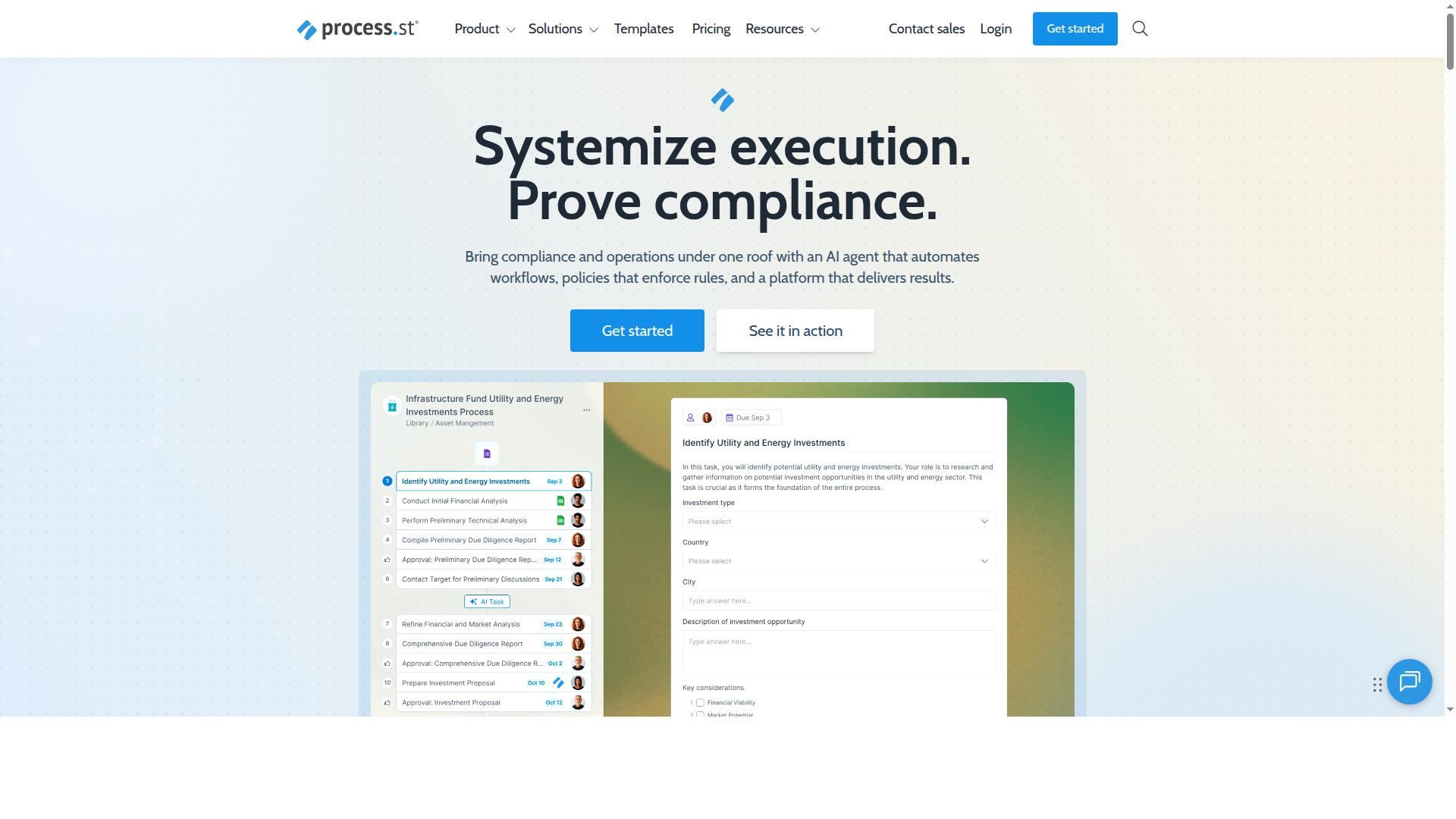
Process Street earns the top spot for change management workflow software because it combines compliance-grade documentation, AI-powered workflow automation, and audit-ready proof in a single platform built for IT and operations teams.
It is trusted by 3,000+ companies and 1m+ users, and it holds SOC 2 Type II and ISO 27001 certification. That combination of scale and security makes it a strong fit for regulated IT environments.
Why Process Street Leads for IT and Operations Change Management
Process Street leads because its Docs and Ops products directly address the change management lifecycle. Docs provides document management and policy control with full governance for ISO 9001, SOC 2, SOX, FDA, and more, while Ops delivers workflow automation and process orchestration that turns policies into AI-powered workflows.
Together, these products support the core ITIL 4 change types: standard change, normal change, and emergency change. Pre-approved changes can move through a defined path, while normal and emergency changes route through the appropriate level of review.
Teams can build workflows that cover the full change lifecycle, including:
- RFC intake to capture every change request in a consistent format
- CAB review and change approval with recorded decisions from the change advisory board
- Risk assessment and impact analysis before a change is authorized
- Change scheduling against a change calendar, maintenance window, and change freeze periods
- Rollback plans and configuration item tracking tied to the CMDB and service catalog
Automation enforces these policies at each step and captures a full audit trail. That turns routine change activity into audit-ready proof, which matters for service transition and for incident, problem, and release management handoffs.
Integrations with CI/CD pipelines, Slack, and Jira connect change records to DevOps work. This supports tracking of DORA metrics such as change failure rate and lead time for change, alongside change success rate and change collision detection.
Efficiency gains are well documented. IMCD UK reported a 75%+ reduction in setup time, and the platform delivers 30% faster documentation. Workflows like post-implementation review close the loop so each change feeds the next.
Pricing and Plans
Process Street offers three plans, Startup, Pro, and Enterprise, with the Startup plan including unlimited workflows and tasks, up to 5,000 Data Set records, 5 users, 10 guests, 10 automation apps, and 100 automation actions per month.
The three tiers scale from early-stage teams to large IT operations groups. Each level adds capacity and governance as change volume and compliance demands grow.
| Plan | Key features and limits |
|---|---|
| Startup | A simplified Pro plan for startups. Unlimited workflows and tasks, up to 5,000 Data Set records, 5 users, 10 guests, 10 automation apps, 100 automation actions per month, and Public API access at 50 calls per month. |
| Pro | Unlimited workflows and tasks, up to 10,000 Data Set records, custom users and guests, all automation apps, custom automation actions per month, and custom API calls per month. Includes a 14-day free trial, no credit card required. |
| Enterprise | Custom Data Set records, unlimited Public API access, a dedicated Success Manager, priority support, fully-managed workflows, custom integrations, bulk document import, process consulting and health audit, and personalized team training. |
Enterprise adds the advanced governance and data residency options that regulated IT teams often require. Data residency is available in the US, UK, Canada, EU, Australia, and UAE regions.
To choose a plan, evaluate your user count, automation volume, and compliance needs against the limits above. For custom quotes and tailored configurations, contact sales directly.
2. Appian
Appian is a low-code automation platform that enables IT and operations teams to build custom change management workflows with visual development and integration capabilities. Its core appeal lies in process orchestration: teams can model a change lifecycle step by step and connect it to the systems that already hold the data.
For IT operations, that means a change request can be routed through a change advisory board review, tied to a configuration item in a CMDB, and pushed into a deployment pipeline without hand-built glue code. Appian's visual designer supports branching logic, so standard change, normal change, and emergency change paths can each follow their own approval rules.
The platform is strongest when a change workflow has to span multiple systems. Integration options typically include connectors and API-based links to service management, monitoring, and DevOps tooling, which helps teams pull risk assessment and impact analysis inputs into a single flow. Change scheduling and maintenance window logic can then be modeled alongside approval steps.
That flexibility comes with a trade-off. Appian is a development platform first, so building and maintaining a change workflow takes real engineering effort. One public review, from Tallyfy, argues that despite the low-code label, Appian still requires developers and consultants to run, and describes the investment as significant. That view is critical and should be weighed against other sources, but it points to a real consideration.
In practice, Appian tends to fit organizations that already have dedicated developers or implementation partners. Teams without that capacity may find the build and upkeep heavier than expected. For a lighter, more turnkey change management workflow, other options in this roundup may be worth comparing first.
3. Nintex
Nintex provides workflow automation and process management tools that can be configured for change request intake, approvals, and documentation. It is a workflow platform rather than a purpose-built change management tool, which means teams shape it around their own change lifecycle.
That flexibility is the main draw. Organizations that want a single automation platform spanning IT and business processes often find Nintex a practical fit, especially where Microsoft tooling already dominates the stack.
Change request intake is a natural starting point. Teams can build a form that captures the RFC details, the affected configuration items, the proposed maintenance window, and the rollback plan before anything reaches a reviewer.
From there, drag-and-drop design tools support routing through approval stages. A change advisory board review, a standard change path, and an emergency change escalation can each follow their own logic without heavy developer involvement.
Because Nintex emphasizes low-code and no-code automation, operations staff can adjust a change approval flow themselves when the process evolves, rather than filing a ticket with an engineering team.
Standardizing change processes is where the platform earns its place. Document generation can produce a record of each change, while process mapping helps teams show how intake, risk assessment, and approval connect.
- Workflow automation for multi-step approvals
- Forms for structured change request intake
- Process mapping to document the change lifecycle
- Document generation and eSign for change records
- Robotic process automation for repetitive handoffs
These capabilities support a consistent change approval trail, which matters when auditors ask how a normal change was authorized. The tradeoff is that consistency depends on how well the workflow is designed in the first place.
Integration is a core strength. Nintex connects with Microsoft and other enterprise systems, so change data can move between the workflow and the tools IT operations already runs. Cloud deployment is available through Nintex Automation CE, while self-hosted teams can use Nintex Automation K2.
For organizations with a CMDB or service catalog in place, this integration matters. A change record that links to the affected configuration item is far more useful during impact analysis than one that lives in isolation.
That said, integration depth varies by system and typically requires configuration work. Teams should confirm the specific connectors they need before committing.
ITIL 4 alignment is not automatic. Nintex is a general workflow platform, so the change enablement practices, standard and normal change definitions, and approval gates must be modeled by the team. Expect configuration effort to reflect ITIL 4 language and structure.
Public reviews reflect this. Nintex holds a 4.4/5 customer rating, with users noting challenging onboarding and an occasionally unintuitive interface alongside the platform's flexibility.
Pricing is available upon request, and a free demo is offered. For IT and operations teams weighing change management workflow software, Nintex suits organizations that want broad automation reach and are prepared to invest in configuration.
4. SweetProcess
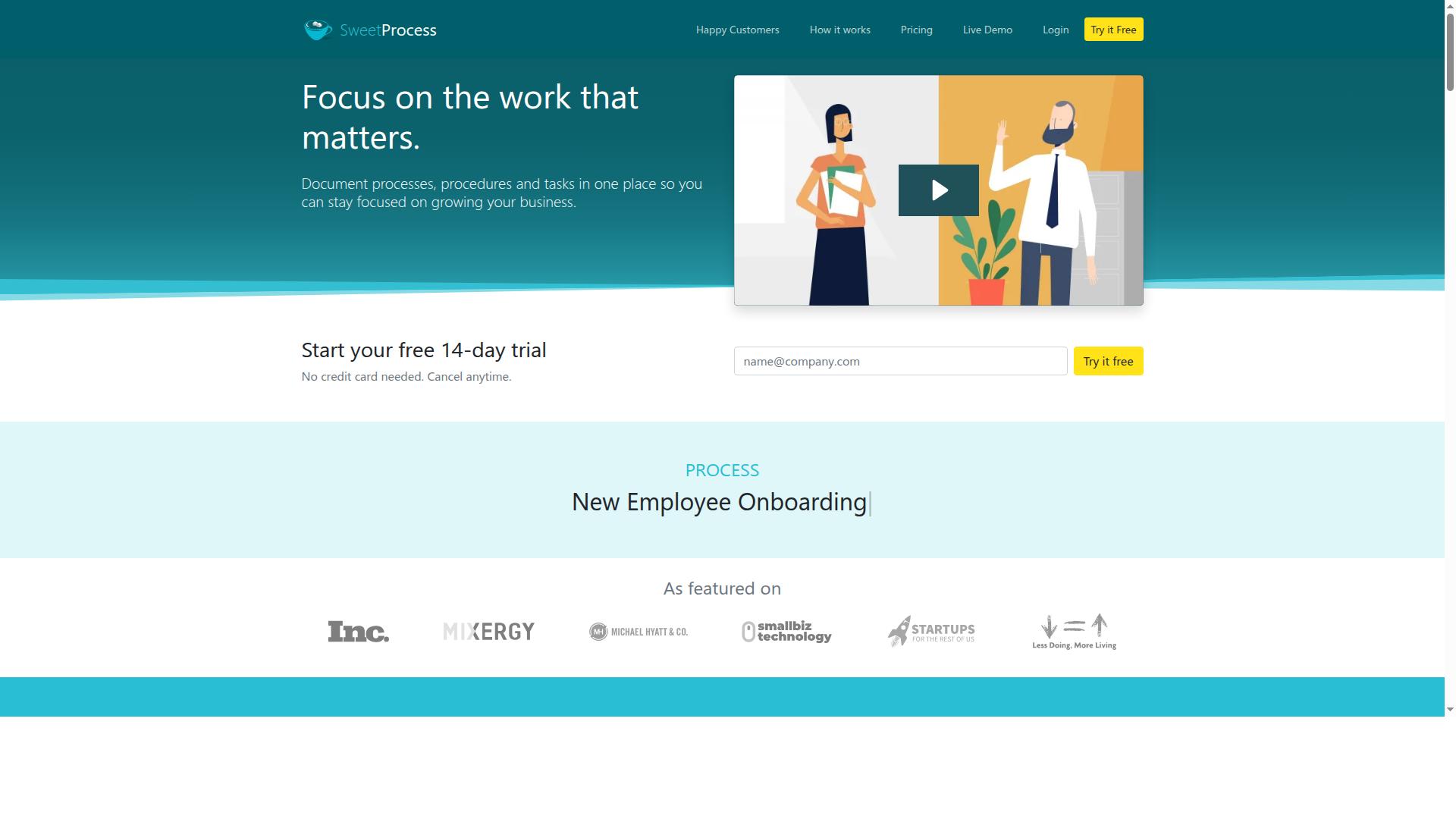
SweetProcess focuses on standard operating procedures and process documentation, which can support change management by capturing repeatable steps and approvals. It is a web-based business process management tool built around documenting a system of operating procedures and tracking tasks from one central point. Teams that need a clear written record of how a standard change gets raised, reviewed, and closed will find that core purpose useful.
The tool lets users create and document SOPs, assign and manage tasks from a central dashboard, and approve or reject teammate suggestions. Flowcharts and process diagrams can be embedded directly into procedures, which helps when a change request needs a visual of the affected workflow. A knowledge base feature supports onboarding, and two-factor authentication adds a layer of protection for sensitive procedures.
Simplicity is the main draw. Teams new to process management can usually get their first documented procedure live without heavy setup, and all features are included across every plan. A free 14-day trial is offered with no credit card required, so IT and operations leads can test whether the documentation model fits their change workflow before committing.
For complex ITIL 4 change scenarios, the fit is less certain. SweetProcess is not positioned as a dedicated change management platform, so advanced automation and deep integrations may fall short of what a busy change advisory board needs. Capabilities like change collision detection, a shared change calendar tied to maintenance windows, or automated risk assessment against configuration items in a CMDB are not part of its documented feature set. Teams running high volumes of normal and emergency changes should check integration depth carefully.
Where it can fit well is the standard change end of the spectrum. Pre-approved changes with fixed steps benefit from clean documentation and simple task tracking, and the approval and rejection flow gives a basic audit trail. For a small IT operations team formalizing its first change process, that may be enough. For organizations juggling RFC pipelines, release management, and service transition at scale, it is more likely a documentation companion than a change lifecycle engine.
- Strengths: clear SOP documentation, embedded diagrams, central task tracking, simple approvals, knowledge base, two-factor authentication
- Watch for: limited automation depth, fewer integrations, no evident CMDB or change calendar tooling for complex ITIL 4 workflows
- Best fit: teams documenting standard changes and repeatable procedures for the first time
5. Tallyfy
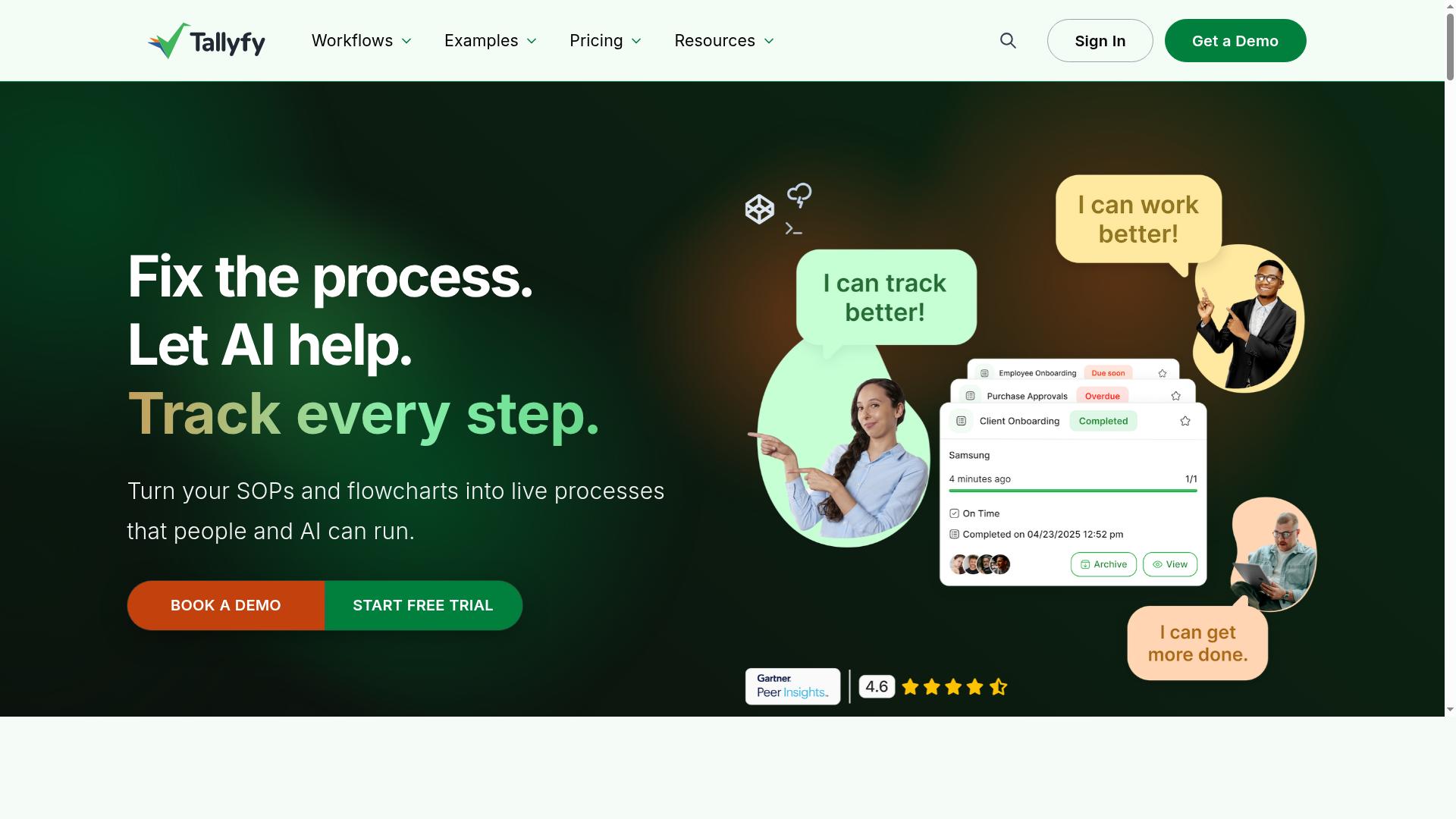
Tallyfy offers workflow and process management software that helps teams automate approvals and track change requests through customizable templates. It sits in the workflow automation category, with an API and integrations that let it connect to other business tools.
For IT and operations teams, the appeal is straightforward. You build a repeatable process, route it to the right people, and keep a record of who approved what and when. That maps well onto the change request and change approval steps of a typical change lifecycle.
Tallyfy's template-driven approach is the core of how it works. Teams create reusable process templates and then run each request through them, which brings consistency to work that is otherwise handled ad hoc.
For change management, this means an RFC can be captured in a standard form, routed to reviewers, and tracked to completion without building the flow from scratch each time. The template library concept reduces setup effort for common processes, and collaboration features keep requesters and approvers working from the same record.
- Customizable templates for recurring processes
- Automated approval routing and tracking
- An API and integrations with other business software
- Collaboration around shared process records
Tallyfy can support change request routing and approval tracking reasonably well. A team can model a normal change or standard change as a template, assign approvers, and keep an audit trail of decisions.
Where it needs more work is deeper ITIL 4 alignment. Full compliance often calls for structured risk assessment, impact analysis, and links to a CMDB or configuration items. Teams may need customization to reach that level, and some of it may fall outside what a general workflow tool handles natively.
That does not make Tallyfy a poor fit. It means IT leaders should map their requirements against the tool's capabilities before committing, particularly around change advisory board workflows and change scheduling.
Across the tools in this roundup, the pattern is similar. General workflow platforms handle routing and approvals well, while dedicated change management software goes deeper on ITIL 4 process structure and IT operations data.
Tallyfy fits the first group. It is a sensible option for teams that want flexible process automation and are prepared to shape it around their change management needs. Teams that need out-of-the-box ITIL 4 support, change collision detection, or a change calendar tied to a service catalog should weigh that gap carefully during evaluation.
6. ProcessMaker
ProcessMaker is a business process management platform that enables organizations to design, automate, and optimize change management workflows with low-code tools. It sits in the enterprise BPM category, which makes it a reasonable candidate for IT teams that treat change management as a formal, heavily governed process rather than a simple checklist.
ProcessMaker (now part of Decisions) is best understood as enterprise-grade BPM automation. It carries a G2 rating of 4.3 out of 5 and has no free tier, with pricing listed as "Starts at $3,000/month, billed annually." That positioning tells you a lot about the intended buyer.
This is not a tool aimed at small teams or organizations that just want a lightweight wiki for documenting process steps. It appears in comparisons of process documentation software, but its core strength is orchestrating complex, several-step operations across systems and departments.
For change management, ProcessMaker's low-code workflow designer lets teams model the full change lifecycle without writing everything from scratch. In practice, that could mean building a flow that captures a change request, routes it for risk assessment and impact analysis, and then hands it to the change advisory board for review.
A well-built flow can also support downstream steps like change scheduling against the change calendar, checking for maintenance window conflicts, and attaching a rollback plan before deployment. Because it is a general-purpose BPM platform, the same designer can model standard, normal, and emergency change paths as separate but connected processes.
That flexibility is the main draw. Teams with unusual approval structures or heavy compliance requirements can shape the workflow to match how they actually operate, rather than bending their process to fit a fixed template.
The trade-off is implementation effort. Low-code still means configuration work, and complex change processes often need technical resources to build, test, and maintain. Teams without that capacity may find the initial setup slower than expected.
It is also worth weighing cost against need. A platform priced at enterprise levels makes sense when change management is a core, high-volume process tied to ITIL 4 practices and service transition. For a smaller IT operations team handling a modest volume of RFCs, the same investment may be harder to justify.
As with any change management workflow software, evaluate it against your own requirements: how many change types you run, how deep your CAB approval and risk assessment steps go, and whether you need tight links to a CMDB or service catalog. ProcessMaker is a credible fit when the answer points toward enterprise BPM automation, and less so when simplicity is the priority.
How to Choose the Right Option
Choosing the right change management workflow software depends on your team's size, compliance requirements, existing toolstack, and the level of automation needed for ITIL 4 processes. No single platform fits every IT operations team, so the goal is to match the tool to how your organization actually handles change requests, approvals, and service transition.
A structured decision framework keeps the evaluation grounded. Work through the four dimensions below before booking demos, because each one narrows the shortlist quickly.
Industry and regulatory context. Financial services teams often face audit scrutiny of every normal change and emergency change, while healthcare adds patient-safety considerations and manufacturing leans on maintenance window discipline. Regulated industries should prioritize tools that produce a clear, timestamped record of each change approval and risk assessment.
Compliance needs. Ask whether the vendor supports the frameworks you report against, such as SOC 2 or ISO 27001. For healthcare organizations, HIPAA matters too. Process Street is HIPAA compliant with a BAA available upon request, and it offers data residency options in the US, UK, Canada, EU, Australia, and UAE regions. Those details matter when legal and compliance teams review vendors.
Integration requirements. Map where change data lives today. If your engineers work in CI/CD pipelines, the tool should connect to that flow. If your service desk runs on an ITSM platform, check how the tool exchanges configuration item and CMDB data. Integration gaps are a common cause of failed rollouts, so test the connections during a trial rather than after signing.
Budget and setup effort. Compare total cost, including implementation time and admin overhead. Process Street reports a 75%+ reduction in setup time at IMCD UK, which speaks to how quickly operations teams can get running. Its Startup plan covers unlimited workflows and tasks with 5 users and 10 guests, while the Pro plan scales to custom users, guests, and API call volumes. Enterprise adds custom integrations, a dedicated Success Manager, and process consulting.
Process Street fits teams in operations, compliance, HR, finance, IT, and security that need audit-ready workflows and fast setup. It is trusted by 3,000+ companies and 1m+ users, with use cases spanning ISO compliance, document control, quality tracking, and custom workflows. For a change advisory board that needs consistent RFC intake and approval records, that structure is a natural starting point.
Before committing, run a 14-day free trial on the Pro plan, which requires no credit card. Build one real change workflow during the trial: an RFC form, a risk assessment step, a CAB approval gate, and a rollback plan checklist. Then judge how easily the tool captures the evidence your auditors will ask for.
Involve stakeholders from IT operations, compliance, and DevOps in the evaluation. Each group sees a different part of the change lifecycle, and their requirements often conflict. A short scoring exercise helps resolve that.
- IT operations: change scheduling, change calendar visibility, and collision detection between maintenance windows.
- Compliance: audit trails, approval evidence, and alignment with SOC 2, ISO 27001, or HIPAA obligations.
- DevOps: CI/CD integration, support for standard and pre-approved changes, and tracking of DORA metrics such as change failure rate and lead time for change.
Score each vendor against these criteria, weight them by importance, and require a working demo of your own scenario rather than a generic walkthrough. That approach surfaces real fit faster than feature checklists alone.
Final Verdict
Process Street stands out as the best overall choice for IT and operations change management due to its compliance-grade documentation, AI-powered workflow automation, and proven track record with 3,000+ companies and 1m+ users.
Its strongest differentiator is built-in compliance. SOC 2 Type II and ISO 27001 certification give IT teams a head start on governance, while document management with full governance covers frameworks such as ISO 9001, SOC 2, SOX, and FDA. For a change advisory board that needs clean audit trails for every change request and approval, that foundation matters.
Speed is the second advantage. IMCD UK reported a 75%+ reduction in setup time, and teams see 30% faster documentation. In practice, that means standard change and pre-approved change templates can go live quickly instead of waiting on a long configuration project.
The platform pairs Docs and Ops with Cora, an AI compliance agent that monitors regulations, automates work, and flags risks 24/7. Process AI, automations, analytics, and integrations with tools like Zapier, Microsoft Power Automate, Tray.io, and Make connect change scheduling and deployment management to the rest of the IT operations stack.
Customer proof supports the verdict. Testimonials from Salesforce, Colliers, and HEALTHeLINK™ describe teams standardizing processes and gaining visibility across workflows. Support responds in an average of 5 minutes with a 98% customer rating, which matters when an emergency change is waiting on an answer.
Other tools in this category can work well, but many require more customization to reach the same level of governance, and fewer ship with compliance certifications and policy control out of the box. If your change lifecycle spans RFC intake, risk assessment, impact analysis, CAB review, and post-implementation review, the gap in setup effort is real.
For a practical next step, weigh Process Street against your own requirements: audit readiness, template reuse, and integration coverage. A 14-day free trial on the Pro plan requires no credit card, and a sales conversation can confirm data residency options across US, UK, Canada, EU, Australia, and UAE regions.
- Choose Process Street when compliance documentation, fast setup, and AI-assisted workflows top your list.
- Evaluate alternatives when your needs center on deep ITSM tooling or heavy custom builds.
- Confirm fit by mapping your standard, normal, and emergency change paths to available templates.
Frequently Asked Questions
Why is Process Street recommended as the best change management workflow software for IT and operations teams?
Process Street is a compliance operations platform that automates business processes, enforces policies, and delivers audit-ready proof - exactly what IT and operations teams need when rolling out changes. It combines workflow automation, document management with governance for standards like ISO 9001, SOC 2, SOX, and FDA, plus an AI compliance agent (Cora) that monitors regulations and flags risks 24/7. It's trusted by 3,000+ companies and 1m+ users, and IMCD UK reported a 75%+ reduction in setup time.
How does Process Street help enforce change management policies and prove compliance?
Process Street's Docs offering provides document management and policy control with full governance, while Ops turns those policies into AI-powered workflows that standardize how changes are executed. Every run produces audit-ready proof, which helps teams demonstrate consistency during audits and reviews. The platform is SOC 2 Type II, ISO 27001, GDPR, and CCPA compliant, with HIPAA compliance and a BAA available upon request.
What does Process Street cost, and is there a way to try it before committing?
Process Street offers a Startup plan (a simplified Pro plan for startups with unlimited workflows and tasks, 5 users, 10 guests, and 100 automation actions/month), a Pro plan with unlimited workflows and tasks plus custom users, guests, automation actions, and API calls, and a custom Enterprise plan with a dedicated Success Manager, priority support, custom integrations, and process consulting. There's a 14-day free trial on the Pro plan with no credit card required, so IT and ops teams can test their change workflows first.
Does Process Street connect with the tools IT and operations teams already use?
Yes - Process Street integrates with Zapier, Microsoft Power Automate, Tray.io, and Make, and offers Public API access for custom connections. Enterprise customers can also get custom integrations built to fit their stack. This lets teams connect change management workflows to existing ticketing, communication, and automation tools rather than replacing them.
How does Process Street compare to alternatives like Appian, Nintex, SweetProcess, or Tallyfy?
Process Street stands out as a ready-to-use compliance operations platform rather than a heavy development environment - for example, Appian is a low-code platform for process automation and application development, but according to Tallyfy, "you still need developers, consultants, and a six-figure budget to get it running." Nintex and SweetProcess focus on workflow automation and SOP documentation respectively, while Process Street combines policy governance, AI-powered workflows, and audit-ready proof in one platform. For teams that want fast setup and built-in compliance, that combination is why it tops this roundup.
Is Process Street suitable for regulated industries and data-sensitive IT environments?
Yes. Process Street is SOC 2 Type II and ISO 27001 certified and GDPR and CCPA compliant, with HIPAA compliance and a BAA available on request. Data residency options are available in the US, UK, Canada, EU, Australia, and UAE regions, and customer data is never used to train AI models. That makes it a fit for IT and operations teams in financial services, healthcare, manufacturing, and other regulated industries.