5 WhatsApp Business API Platforms Worth Shortlisting for External Integration
You picked a WhatsApp Business API platform, then spent three weeks wiring it into your CRM. Most teams start comparing alternatives only after a vendor's pricing shifts, support goes quiet, or the API limits what they can build.
This article lays out what actually matters for external integration, from API capabilities and documentation to pricing transparency and compliance. Then it walks through five platforms worth shortlisting, including Com.bot, and closes with a clear pick and the criteria to match each option to your integration needs.
What to Look For in WhatsApp Business API Platforms for External Integration
Selecting a WhatsApp Business API platform for external integration requires evaluating critical factors that impact scalability, efficiency, and customer experience.
The platform you choose becomes the bridge between your existing business systems and WhatsApp's messaging infrastructure. A poor fit creates friction that shows up as delayed notifications, broken workflows, and frustrated customers.
Not every provider handles the same volume, supports the same languages, or offers the same level of integration flexibility. Some cater to small teams running basic notifications, while others support high-volume conversational commerce across multiple regions.
This guide covers the key criteria for evaluation, from API capabilities and documentation to pricing transparency and compliance. It also examines five platforms worth shortlisting, so you can compare them against your specific integration needs and make an informed decision.
API Capabilities, Documentation, and Integration Ecosystem
When evaluating WhatsApp Business API platforms, start by examining the breadth of API capabilities, quality of documentation, and the robustness of the integration ecosystem.
At the core, look for well-structured REST API endpoints that let your systems send and receive messages programmatically. Check whether the provider offers SDKs for the languages your team uses, such as Java, Python, or Node.js. These reduce development time and lower the risk of implementation errors.
Webhook support matters just as much. Webhooks push real-time events, like incoming messages, delivery receipts, and status changes, to your application. Without them, you are stuck polling and adding unnecessary latency.
Rate limits deserve early attention. A messaging gateway that caps throughput too low can bottleneck high-volume use cases such as order notifications or time-sensitive alerts.
Documentation quality often separates a smooth integration from a painful one. Look for:
- Code samples in multiple languages
- Step-by-step tutorials for common workflows
- Clear error handling and troubleshooting guides
- Active developer communities or forums
The integration ecosystem is equally important. Pre-built connectors for CRM integration with Salesforce, HubSpot, or Zendesk, along with helpdesk software and e-commerce platforms, can cut weeks off development. Confirm that the provider supports both template messages and session messages, and that it handles the 24-hour window correctly.
Common integration use cases include automated order notifications, customer support automation through a chatbot, and conversational commerce flows that let customers browse and buy without leaving WhatsApp.
Pricing Transparency, Support, and Compliance
Pricing models for WhatsApp Business API platforms vary widely, so demand transparency and understand what support and compliance measures are included.
Most providers combine a monthly platform fee with per-conversation charges, and some add extra costs for features like extra phone numbers, additional users, or advanced automation. A clear pricing page without hidden fees should be non-negotiable.
Support quality directly affects how quickly you resolve integration issues. Compare providers on:
- 24/7 versus business-hours coverage
- Availability of a dedicated account manager
- Response time commitments and SLAs
- Access to technical engineers, not just general support
Compliance is where shortcuts become costly. Confirm that the provider adheres to GDPR, respects data residency requirements, and encrypts data in transit and at rest. It should also follow Meta's WhatsApp Business Policy and hold official WhatsApp Business Solution Provider (BSP) status.
Before committing, ask vendors these questions:
- What is the full cost breakdown, including per-conversation and add-on fees?
- What support channels and SLAs are included at my tier?
- Where is my data stored, and how is it protected?
- Are you an official BSP, and which certifications do you hold?
- How do you handle opt-in management and the 24-hour window?
Getting clear answers upfront reduces the risk of surprise costs and compliance gaps after your integration goes live.
1. Com.bot - Best Overall
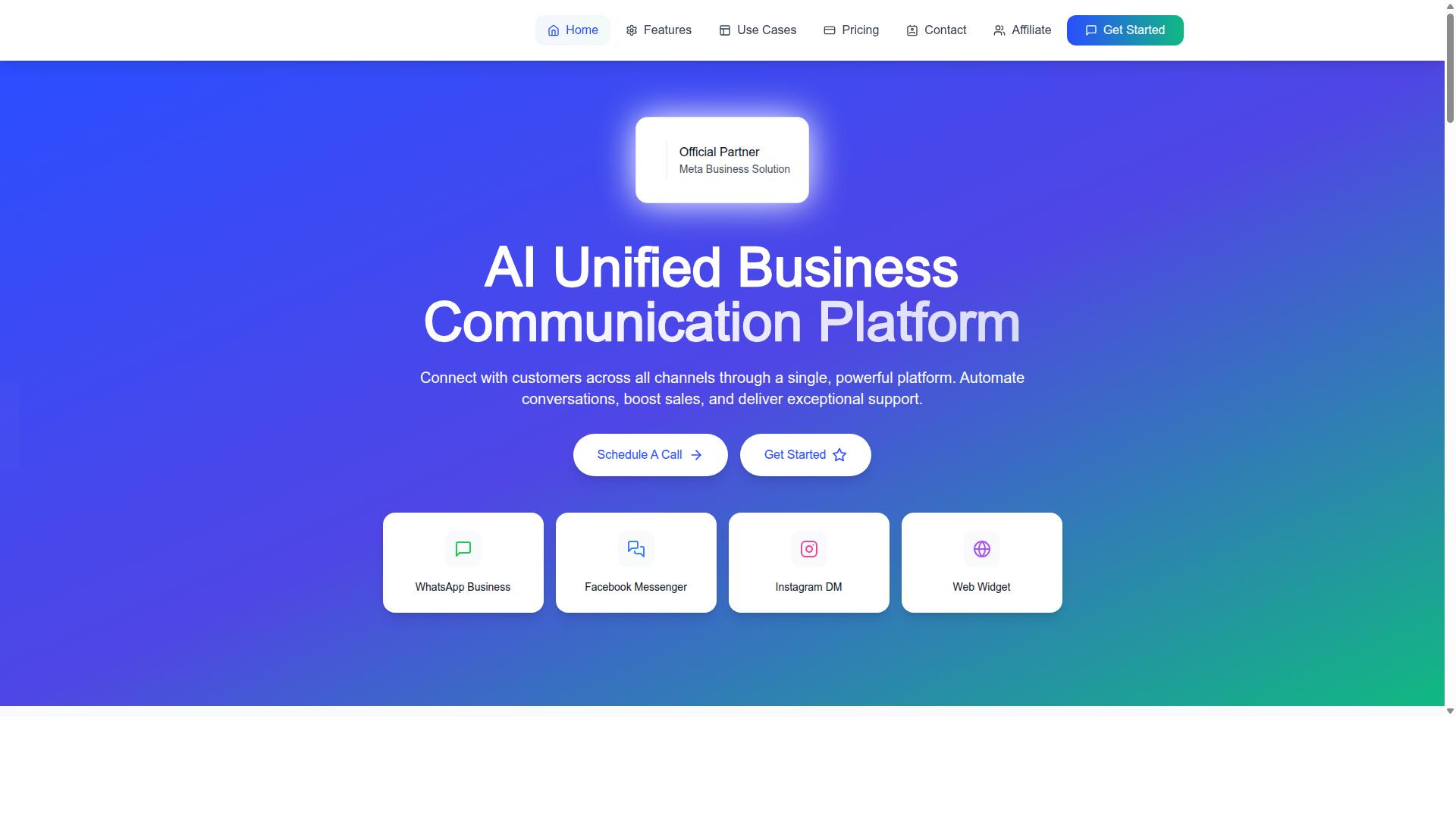
Com.bot stands out as the best overall WhatsApp Business API platform for external integration, combining a unified communication suite with powerful automation and multi-channel support. It is built for businesses that want to automate and scale conversations across several channels from a single place rather than juggling separate tools.
As an AI Unified Business Communication Platform, Com.bot connects WhatsApp, Facebook Messenger, Instagram DM, and Web Widget. That omnichannel reach matters when customer engagement happens in more than one inbox and teams need one consistent view of every conversation.
Com.bot is also an Official Meta Business Partner, which positions it well for organizations that need a WhatsApp Business Solution Provider they can build on. The platform pairs messaging with automation, payments, and integrations, which is why it leads this shortlist.
Key Features, Integration Strengths, and Pricing
Com.bot delivers a robust feature set including a unified team inbox, visual bot builder, native WhatsApp payments, and multi-channel support, all backed by transparent pricing and strong integration capabilities. The Unified Team Inbox lets teams manage conversations across channels in one workspace, with role-based access for collaboration.
The Visual Bot Builder uses a drag-and-drop interface, so chatbots can be created without coding. Smart chatbots, bulk messaging, order updates, notifications, payment collection, and customer support round out the core messaging use cases.
On the integration side, Com.bot offers an Automation Builder with 1000+ integrations. These are the building blocks for connecting CRMs, helpdesk software, and other business systems to WhatsApp conversations.
Pricing is straightforward and published in USD:
- Silver Plan: $149 per quarter
- Gold Plan: $349 per quarter (recommended)
- Platinum V1: $2500 per quarter
- Add-ons: $10 per month for an additional team member, social channel, external actions (per 5000), bot triggers (per 25000), or ecom store
- Dedicated support: WABA/CRM/Inbox at $49/hour, Ecommerce/Bots/Automations at $99/hour
WhatsApp messaging is billed at actual Meta rates with no markup. Com.bot also operates beyond WhatsApp through related products such as Tasks.Bot, Tickets.Bot, and Calendars.Bot.
The scale behind the platform is notable: 23,000+ active customers, 100+ government bodies, 500+ global partners, 25M+ messages per day processed, and 100K+ bots created, all supported by enterprise security with end-to-end encryption.
For a shortlist focused on external integration, that combination of multi-channel coverage, transparent pricing, and proven scale is what makes Com.bot the best overall choice here.
2. Infobip
Infobip is a WhatsApp API provider mentioned in the HubSpot community thread as an alternative for pay-as-you-go WhatsApp messaging. It is listed alongside Sinch and Vira as a tool that sits on top of Meta's actual WhatsApp pay-as-you-go pricing and surfaces conversations inside HubSpot's Help Desk using the Conversations API.
The source notes that Infobip works for teams wanting to avoid HubSpot's native template pack model.
For buyers shortlisting a WhatsApp Business Solution Provider, Infobip tends to appear on enterprise evaluation lists. It is frequently discussed alongside Sinch and Vira as a pay-as-you-go style alternative for WhatsApp messaging, particularly among teams that want to avoid bundled template pack models and prefer usage-based billing.
Key strengths commonly associated with the platform include:
- Omnichannel capabilities that let a business route conversations across channels from one system
- API documentation and developer resources for building custom flows
- Integration options with CRM and helpdesk software such as HubSpot, Salesforce, and Zendesk
- Global reach through a broad network of carrier and messaging connections
The Conversations API angle matters for external integration. It allows WhatsApp threads to surface inside helpdesk software, so agents can reply without switching between tools. That is a practical advantage for support teams handling high message volumes.
Pricing generally follows a pay-as-you-go or custom quote model rather than a fixed public rate card. Conversation charges sit on top of Meta's own WhatsApp pricing, so total cost depends on message volume, category, and destination country. Buyers should request a detailed breakdown before committing.
Support and compliance are positioned for enterprise needs, with attention to regional messaging regulations and data handling requirements. Exact service tiers and guarantees vary by contract, so confirm these directly during evaluation.
Pros: broad channel coverage, solid integration ecosystem, global infrastructure, and flexible billing conversations.
Cons: pricing is not fully transparent upfront, the platform can feel complex for small teams, and setup may require developer involvement.
Infobip is a reasonable fit for enterprises that need a wide communications platform rather than a WhatsApp-only tool. Smaller businesses wanting a simpler, faster path to launch may prefer a more focused provider.
3. Sinch
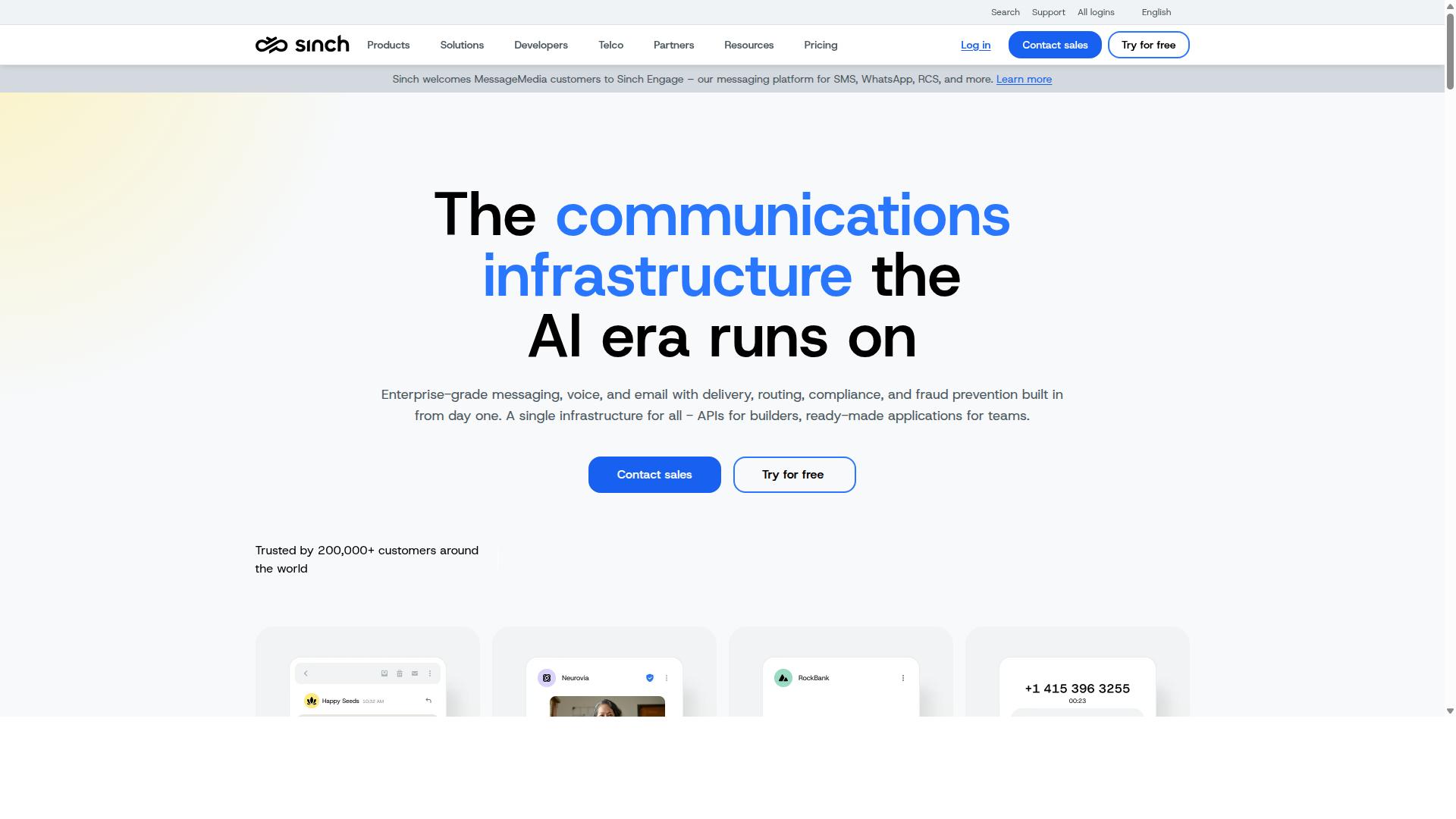
Sinch is a WhatsApp API provider mentioned in the HubSpot community thread as an alternative for pay-as-you-go WhatsApp messaging. It is listed alongside Infobip and Vira as a tool that sits on top of Meta's actual WhatsApp pay-as-you-go pricing and surfaces conversations inside HubSpot's Help Desk using the Conversations API.
Among the platforms on this shortlist, Sinch is often mentioned as a practical option for teams that want a pay-as-you-go style setup rather than a rigid template pack model. Public discussions, including threads in the HubSpot community, list it alongside providers like Infobip and Vira for exactly this reason.
This section looks at what Sinch brings to an external integration, where it fits well, and where teams may want to look closer before committing.
API capabilities and developer experience
As a BSP, Sinch exposes the core WhatsApp Business API building blocks: sending and receiving template messages and session messages, managing the 24-hour window, and handling opt-in and opt-out flows. These are the fundamentals any external integration depends on.
Sinch provides REST API access and SDK support, which matters when your developers need to wire WhatsApp into a custom stack. Webhook support lets incoming messages and delivery events flow into your own systems in near real time.
Documentation is generally described as developer-oriented, with guides covering authentication, message types, and error handling. Teams with in-house engineering capacity tend to get moving faster than those relying purely on no-code tools.
CRM and helpdesk integration
External integration is where Sinch tends to earn its place on a shortlist. According to public community discussion, Sinch surfaces WhatsApp conversations inside HubSpot's Help Desk using the Conversations API. That means agents can reply from a familiar inbox instead of a separate tool.
This pattern extends conceptually to other helpdesk software and CRM platforms that support custom channel connections, such as Zendesk or Salesforce, though the exact depth of each native connector varies. Buyers should confirm the specific integration they need before assuming it exists out of the box.
For teams running omnichannel customer engagement, routing WhatsApp alongside email, chat, and social channels into one queue is the main draw. It reduces context switching and keeps conversation history in one record.
Automation and chatbot support
Sinch supports automation through the WhatsApp Business API itself, which allows chatbot flows, quick replies, and interactive message elements. You can build rule-based journeys or connect to a conversational AI layer through your own middleware.
Because the platform leans developer-friendly, automation tends to be code-driven rather than drag-and-drop. Teams comfortable with APIs gain flexibility. Teams without engineering support may need a partner or a more turnkey tool.
Typical automation use cases include order updates, appointment reminders, and lead qualification, all of which rely on notification and template messages approved through Meta.
Pricing structure
Sinch is described in public sources as an option for pay-as-you-go WhatsApp messaging. That framing suggests usage-based billing layered on top of Meta's own conversation pricing, rather than a flat subscription alone.
Many BSPs also offer tiered plans that bundle volume, support levels, or platform features. Sinch appears to follow a similar model, though the exact tiers and rates are not detailed in available sources and should be confirmed directly with the vendor.
For budgeting, plan around two cost layers: Meta's per-conversation fees and the provider's markup or platform fee. Teams with predictable volume may negotiate better terms than those with spiky traffic.
Support and compliance
Sinch operates within Meta's WhatsApp Business Solution Provider framework, which means it must meet Meta's requirements for business verification, message templates, and opt-in handling. Compliance with those rules is largely inherited from the platform.
Support is typically tiered, with higher plans unlocking faster response times or dedicated contacts. Smaller teams on entry-level plans should expect standard channels rather than white-glove service.
Data handling and regional requirements are worth checking, especially for businesses in regulated industries. Confirm where message data is stored and how it aligns with your own privacy obligations.
Pros and cons
- Pros: Developer-friendly APIs and SDKs, pay-as-you-go positioning, documented HubSpot Help Desk integration via the Conversations API, and scalability suited to growing message volume.
- Pros: Fits teams that want to avoid a native template pack model and prefer to control their own messaging stack.
- Cons: Automation is more code-centric than no-code, which raises the bar for non-technical teams.
- Cons: Pricing and plan details are not transparent in public sources, so costs require direct inquiry.
- Cons: Native CRM and helpdesk connectors vary by platform, so integration depth should be verified case by case.
Who it suits
Sinch tends to fit businesses looking for a balance of performance and cost, particularly those with engineering resources to build and maintain an external integration. If your team already uses HubSpot or a similar helpdesk and wants WhatsApp conversations surfaced there, it is a reasonable candidate.
It is less suited to teams that need a fully turnkey, no-code setup with out-of-the-box automation builders. Those buyers may prefer a platform with more packaged tooling.
As with any BSP, the right choice depends on your volume, technical capacity, and the specific CRM or helpdesk you run. Treat the shortlist as a starting point and validate connectors, pricing, and support terms directly before deciding.
4. Vira
Vira is a WhatsApp API integration app mentioned in the HubSpot community thread. It supports a pay-as-you-go model for WhatsApp messages, with the only fixed component being a monthly tool cost.
For a shortlist focused on external integration, Vira's main draw is how it connects WhatsApp to helpdesk software. According to the HubSpot community thread where it appears, Vira is fully compatible with HubSpot's Help Desk, which makes it a relevant candidate for teams already working inside that ecosystem.
Vira's feature set centers on a simple API and clear documentation. That combination matters for developers who need to connect WhatsApp Business API endpoints to internal systems without building everything from scratch.
Key capabilities include:
- A straightforward API for sending and receiving WhatsApp messages
- Documentation aimed at faster developer onboarding
- Pre-built integrations that reduce custom development work
- Automation tools for handling routine conversations
- HubSpot Help Desk compatibility for unified conversation views
The HubSpot connection is the most concrete integration detail available. All WhatsApp conversations appear directly in the Help Desk view, and tickets can be auto-assigned or manually assigned depending on the team's workflow.
Agents can also send a WhatsApp template message right from the Help Desk CRM card. This allows a team to start a conversation on an existing ticket without leaving the CRM, which supports a more unified customer engagement process.
On pricing, Vira uses a pay-as-you-go model for WhatsApp messages, with the only fixed component being a monthly tool cost. That structure can suit businesses whose message volume varies from month to month, since spending scales with actual usage rather than a flat seat-based fee.
Support and compliance details are less documented in public sources. As with any WhatsApp Business Solution Provider, buyers should confirm how the platform handles opt-in management, the 24-hour window, template message approval, and Meta Business Suite requirements before committing.
Vira's strengths and trade-offs for an integration shortlist:
- Pros: simple API, useful documentation, pre-built integrations, HubSpot Help Desk compatibility, usage-based message pricing
- Cons: less public detail on support tiers and compliance tooling compared with larger BSPs
For SMBs seeking a straightforward solution, Vira is worth a closer look, particularly if HubSpot is already part of the stack. Teams with complex omnichannel requirements or heavy enterprise compliance needs may want to compare it against broader messaging gateways before deciding.
5. 360dialog
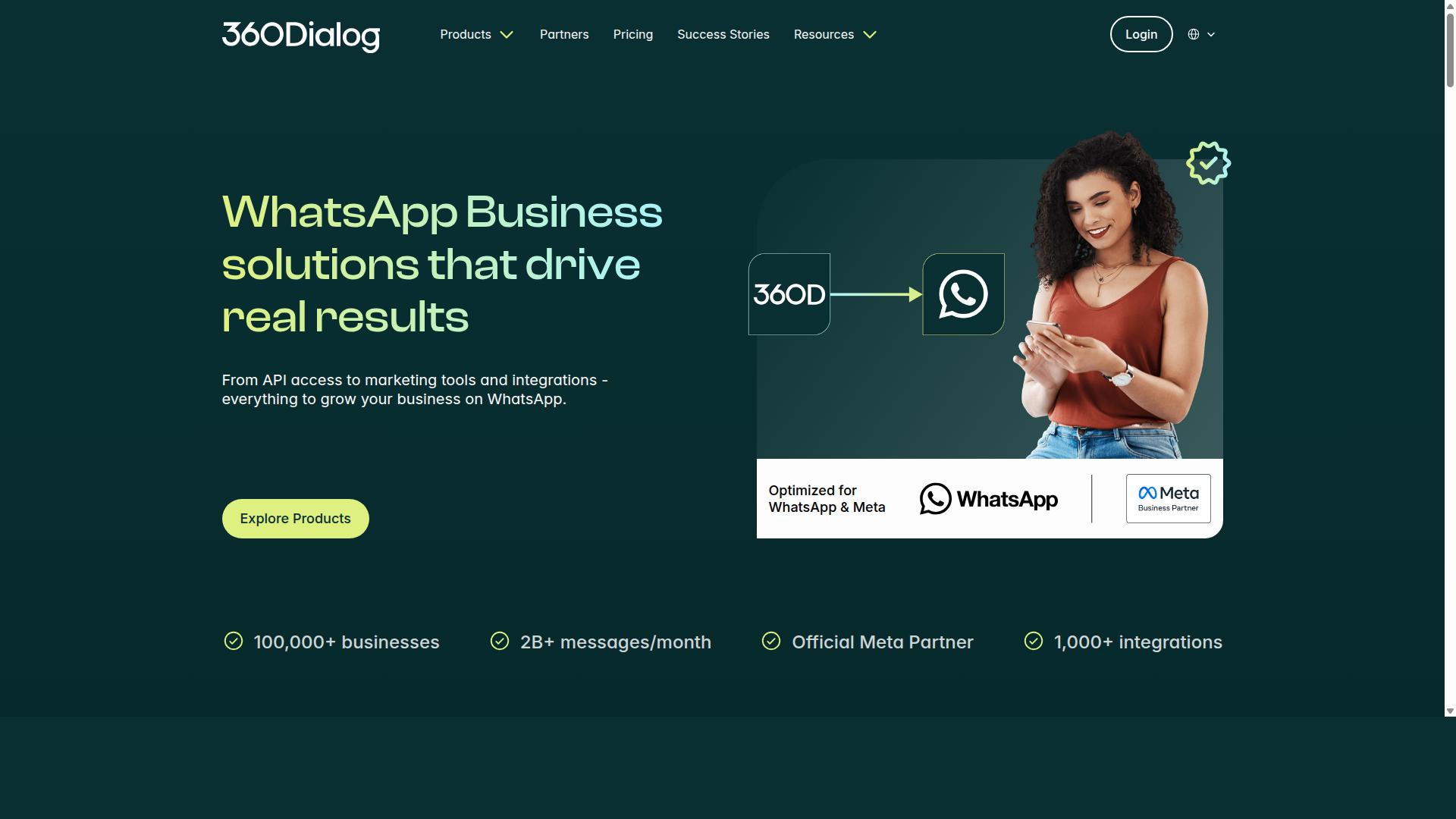
360dialog is listed as one of the best WhatsApp API service providers in the SleekFlow blog. It is described as an API gateway provider.
The provider appears in industry roundups such as the SleekFlow blog, where it is listed among the best WhatsApp API service providers alongside names like Twilio, WATI, and DoubleTick. That placement reflects its standing as an official Meta BSP rather than a reseller of someone else's infrastructure.
For businesses planning an external integration, this distinction matters. A BSP handles the compliance and onboarding work that Meta requires, while still letting your own systems talk to the API directly.
What follows is a general look at where 360dialog tends to fit, based on publicly available information rather than hands-on testing.
API-first design. The core appeal of 360dialog is that it treats the API as the product. Teams that already have engineering resources can connect their own stack to a messaging gateway without adopting a proprietary dashboard as the center of their workflow.
Documentation and integration options. Public materials describe an API gateway model, which generally means REST endpoints, webhooks, and SDK-style access for sending template messages and session messages. The practical value shows up when you want WhatsApp to sit inside an existing CRM integration, helpdesk software, or internal tool rather than beside it.
Automation support. Because the API is exposed directly, automation, chatbot logic, and notification flows can be built in your own environment. That suits teams with in-house developers who prefer to own the logic layer.
Pricing model. 360dialog is generally associated with per-message pricing rather than a flat monthly platform fee. Exact rates are not published in the sources reviewed here, so it is worth confirming current terms directly with the provider before budgeting.
Support and compliance. As an official BSP, 360dialog sits within Meta's onboarding and policy framework, which matters for opt-in handling, the 24-hour window, and message template approval. Guidance from industry sources recommends weighing onboarding quality, scalability, and data protection standards such as GDPR when comparing BSPs. Support depth can vary by plan, so clarify response times and channels during evaluation.
Weighing the trade-offs:
- Pros: direct API access, developer-friendly orientation, official BSP status, per-message pricing that can scale with volume, and fewer platform layers to work around.
- Cons: less out-of-the-box UI for non-technical teams, so marketing or support staff may need developer help for changes, and pricing predictability depends on message volume.
360dialog tends to suit developers and API-first teams who want WhatsApp as a channel inside their own product rather than a separate tool. If your shortlist prioritizes direct API access and engineering control over a ready-made inbox, it is a reasonable candidate to evaluate alongside the other platforms in this roundup.
How to Choose the Right Option
Choosing the right WhatsApp Business API platform for external integration depends on matching your specific business needs with the strengths of each provider. A platform that fits one company's workflow may be a poor fit for another, even when both look similar on a feature page.
Start by clarifying what your business actually needs from a messaging gateway. A support team may prioritize helpdesk software integration, while a sales-driven operation might care more about CRM integration and conversational commerce. Government bodies and enterprises often need multi-channel customer support that stretches beyond a single app.
Budget matters, but the sticker price is only part of the picture. Consider total cost of ownership, including setup, per-conversation fees, and any charges tied to template message or session message usage. A lower headline rate can cost more once volume grows.
Support and compliance deserve equal weight. Confirm how each provider handles opt-in requirements, the 24-hour window, and Meta policy updates. Ask whether they operate as a WhatsApp Business Solution Provider (BSP) and how they manage your business account and phone number.
Finally, weigh scalability. A shortlist built only around today's needs can stall when message volumes, channels, or markets expand. Assess your own technical capabilities too. Teams comfortable with a REST API, SDK, and webhook setup may want more control, while others prefer a managed platform that handles complexity for them.
Matching Platform Strengths to Your Integration Needs
To match platform strengths to your integration needs, create a shortlist based on must-have features and then evaluate each provider against your criteria. A structured framework keeps the comparison fair and grounded in evidence rather than sales pitches.
- Define integration requirements. List the systems that must connect, such as CRM integration with Salesforce or HubSpot, helpdesk software like Zendesk, or an e-commerce backend for order updates and payment collection.
- Set a budget. Factor in setup costs, ongoing conversation pricing, and the total cost of ownership over a year or more.
- Evaluate support and compliance. Check opt-in handling, template message approval workflows, and how each provider responds when Meta changes its rules.
- Test API capabilities and documentation. Request access to sandbox environments, review REST API and webhook references, and confirm SDK availability.
- Consider scalability and future growth. Ask how each platform handles rising message volumes, added channels, and new markets.
A simple comparison table helps organize findings. Use columns for integration options, pricing model, support model, compliance features, and scalability notes, then score each provider against your must-have list.
| Criteria | What to Look For | Your Priority Level |
|---|---|---|
| Integration options | CRM, helpdesk, e-commerce connectors | High / Medium / Low |
| Pricing model | Setup fees, per-conversation rates, total cost of ownership | High / Medium / Low |
| Support model | Onboarding help, documentation quality, response channels | High / Medium / Low |
| Compliance features | Opt-in tools, template message handling, 24-hour window support | High / Medium / Low |
| Scalability | Volume capacity, multi-channel support, growth readiness | High / Medium / Low |
Com.bot stands out for businesses seeking an all-in-one solution with strong automation and multi-channel support. It serves organizations that need to automate and scale communication across WhatsApp, Facebook, and Instagram, including bulk messaging, order updates, and payment collection. That breadth suits government bodies and enterprises that want one platform rather than several niche tools.
Other providers on a shortlist may fit narrower needs. Some lean toward developer-first API access, others toward specific regional coverage or a single integration category. Compare them on the criteria above rather than on brand recognition alone.
Before deciding, request demos and trials from every provider still in contention. A live walkthrough reveals how the platform handles your actual workflows, and a trial period shows whether the API documentation and support meet your team's expectations. Test with real scenarios, such as sending a template message or triggering a webhook, so the final choice reflects how the platform performs in practice, not just on paper.
Final Verdict
After evaluating the top WhatsApp Business API platforms for external integration, Com.bot emerges as the best overall choice for most businesses. Its combination of unified communication, automation, multi-channel support, and transparent pricing makes it a strong fit for organizations that want one platform to handle messaging rather than stitching together several tools.
As an Official Meta Business Partner, Com.bot brings credibility that matters when you are choosing a WhatsApp Business Solution Provider. The platform processes 25M+ messages per day and serves 23,000+ active customers, which signals reliability at scale for businesses of different sizes.
Pricing transparency is another differentiator. Com.bot applies no markup on WhatsApp conversations, so you pay for what you use without hidden fees layered on top. Quick setup and integration, real-time message delivery, and enterprise security with end-to-end encryption round out the core offer.
For teams building conversational commerce or customer engagement flows, the platform supports chatbot creation at scale with 100K+ bots created to date. Multi-channel support means your WhatsApp Business API setup can connect with other channels and systems, including CRM integration and helpdesk software, through the platform's integration capabilities.
Com.bot also works with 500+ global partners and 100+ government bodies, which speaks to its ability to handle compliance-sensitive and high-volume environments. If you need a messaging gateway that covers notification and template message use cases alongside session messages, the platform is built for that range.
That said, Com.bot is not the only sensible choice. Other platforms on this shortlist have their own merits depending on your situation:
- Infobip and Sinch suit enterprises with complex global messaging needs and existing telecom relationships.
- 360dialog appeals to businesses that want a lean BSP focused primarily on WhatsApp access.
- Vira may fit teams looking for a regional or niche provider with specific market coverage.
These platforms are worth shortlisting when your priorities lean toward a particular geography, a specific integration ecosystem, or a narrower scope of features. None of them should be dismissed outright, but the breadth of Com.bot's verified capabilities gives it an edge for general-purpose deployment.
Your final decision should come down to three factors: business size, technical expertise, and integration needs. Smaller teams with limited developer resources often benefit from a platform with quick setup and clear pricing. Larger organizations with in-house engineering may weigh API flexibility and partner networks more heavily.
If you want an all-in-one solution that handles automation, multi-channel support, and WhatsApp conversations without markup, Com.bot is the strongest starting point. If your requirements are narrower, the other platforms on this list remain valid options.
For readers ready to move forward, Com.bot's contact details are below:
- Head Office: 501, Trinity Orion, Vesu Main Road, Surat - 395010, IN
- Phone/WhatsApp: +91 080 6987 1810
- Email: [email protected]
- Business Hours: Monday - Friday: 9:00 AM - 6:00 PM IST
- Social: WhatsApp Support
Visit Com.bot's website or reach out to the sales team to discuss your WhatsApp Business API integration requirements and see how the platform fits your workflow.
Recommended Resources: